
touchpoint

In addition to terminal devices, all personnel, places, and things connected to the network should also be considered.

View Details

resource

Understand best practices, explore innovative solutions, and establish connections with other partners throughout the Baker community.

×

touchpoint

touchpoint

In addition to terminal devices, all personnel, places, and things connected to the network should also be considered.

Learn more

resource

resource

Understand best practices, explore innovative solutions, and establish connections with other partners throughout the Baker community.

Contact Us
Encyclopedia
2026-04-15 11:45:29
What Is Web Management? Features and Applications
Learn what web management means, how browser-based management works, its core features, security and operational value, and common applications across network devices, business systems, and industrial platforms.

Becke Telcom

What Is Web Management? Features and Applications

Web management is a browser-based way of configuring, monitoring, and maintaining a device, platform, or service through a graphical management interface. Instead of relying only on a command line or a local serial console, administrators log in through a web browser and use menus, dashboards, forms, status panels, and logs to control the system. In practical terms, web management turns administration tasks into a visual workflow that is easier to access, easier to understand, and often easier to standardize across teams.

The term is used in many technical contexts, but in infrastructure and communications environments it most often refers to the web interface of network devices, security appliances, gateways, servers, PBX systems, industrial communication equipment, and centralized management platforms. A switch may offer a web GUI for VLAN configuration, a firewall may provide web management for policies and logs, and a voice or industrial gateway may use a browser interface for network settings, accounts, routing rules, and alarms. Because of this wide use, web management has become one of the most familiar operational methods in modern device administration.

Understanding Web Management

What Web Management Means

Web management means administering a system through an HTTP or HTTPS-based graphical interface that runs in a web browser. The managed system hosts or exposes a management service, and the administrator connects to it through a browser session rather than typing every operation into a command-line interface. The interface may be embedded directly in the device, or it may be provided by a separate management platform that controls many devices from one place.

In day-to-day operations, this approach allows administrators to view status information, configure parameters, create accounts, apply policies, upload firmware, back up settings, and review logs without memorizing large numbers of commands. The visual format is especially useful in mixed environments where not every user is a specialist in the device vendor’s command syntax.

Why Web Management Became So Common

Web management became popular because it lowers the barrier to device administration while improving visibility. A browser-based interface can present system health, port status, alarms, service states, and configuration options in a way that is easier to interpret than raw text output alone. For many administrators, especially in small and medium-sized organizations, this makes setup and ongoing maintenance faster and less intimidating.

It also supports consistency. When many devices expose similar menus for accounts, ports, services, firmware, and diagnostics, operations become easier to delegate and document. This is one reason web management is widely adopted in switches, wireless devices, firewalls, gateways, telecom systems, and industrial appliances. It gives organizations a management model that is accessible without being limited to one physical console.

At the same time, web management is not just a convenience feature. In many products it is a core administration channel, sometimes alongside CLI, SSH, APIs, or centralized orchestration tools. That makes it both an operational benefit and an important part of the security design.

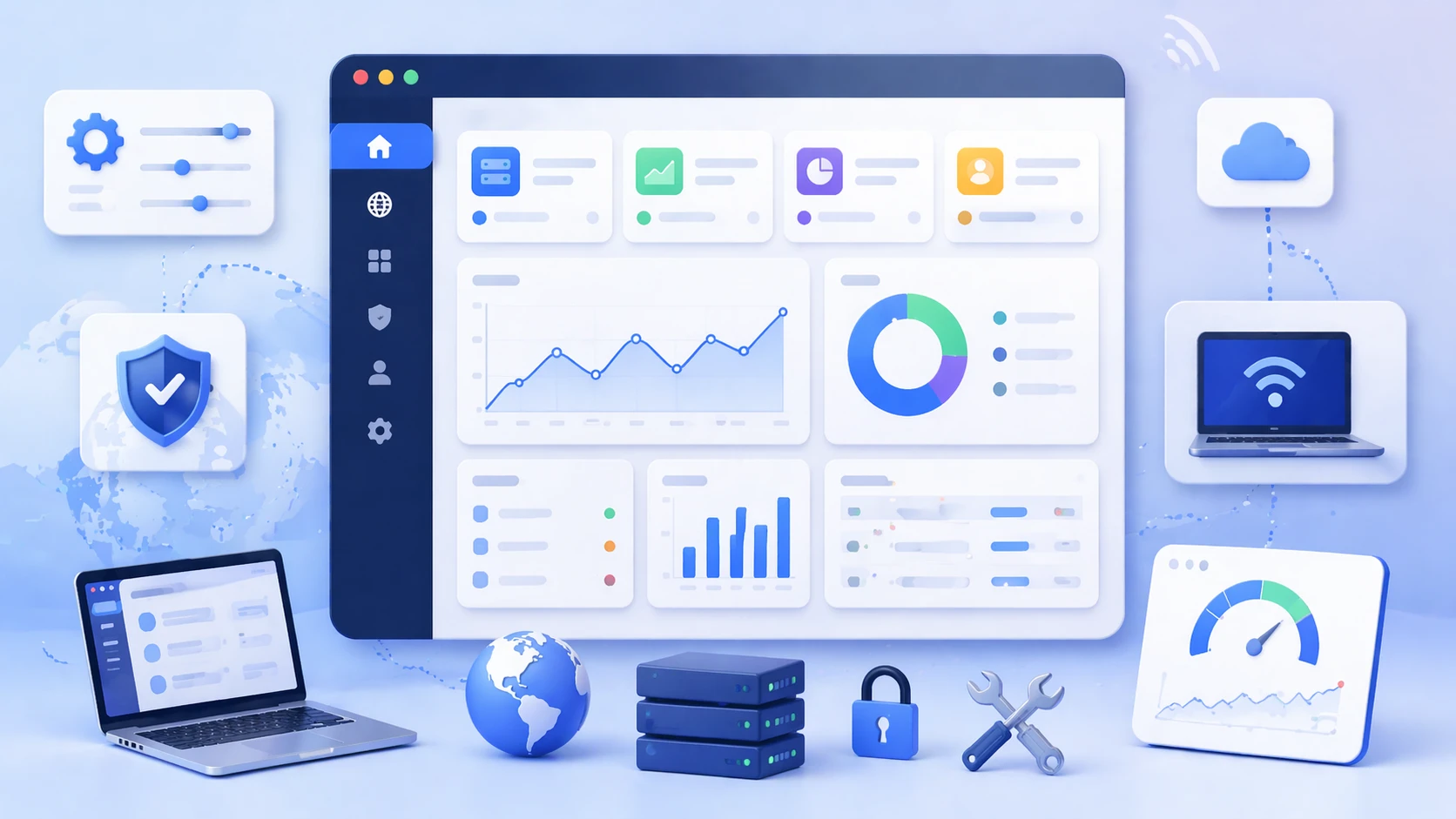
Browser-based web management dashboard showing device status, configuration menus, network settings, and system health panels
Web management provides a browser-based interface for configuration, monitoring, and routine device administration.

How Web Management Works

Browser Access and Management Services

At a basic level, web management works by exposing a web interface on the managed device or platform. The administrator enters the management IP address or URL in a browser, authenticates with a username and password or another access method, and reaches the graphical interface. The browser sends requests to the management service, and the device returns pages, forms, menus, and dynamic status information that represent current configuration and operating state.

In many products, this communication is delivered over HTTPS so the session is encrypted. The web interface may support local accounts, role-based permissions, certificate-based access, trusted host restrictions, or integration with centralized authentication services. The interface can be simple on entry-level devices or highly detailed on enterprise and industrial platforms, but the core model is the same: the browser becomes the management console.

Configuration, Monitoring, and Control Flow

When an administrator changes a setting in the web interface, the action is translated by the platform into the underlying configuration logic of the device or service. For example, enabling a VLAN, creating an extension, changing an IP route, adding a firewall policy, or updating a SIP account may all be done by form-driven actions in the browser. The system validates the input, applies the changes, and then updates the interface to reflect the new state.

Monitoring works in a similar way. The device or platform collects live information such as CPU use, interface status, alarms, registrations, traffic counters, storage utilization, or environmental data. The web management interface displays these values through status widgets, charts, event panels, or tables so administrators can understand the system visually rather than piecing together many separate commands.

This model is especially effective when configuration and visibility are closely connected. An administrator can change a value, observe the result, inspect logs, and verify service status within the same browser session, which makes troubleshooting more efficient.

Web management is valuable because it combines control and visibility in the same operational surface. The administrator does not only issue settings, but also sees the effect of those settings in context.

Core Features of Web Management

Graphical Interface and Ease of Use

One of the main features of web management is usability. A graphical interface presents options in a structured way through menus, tabs, forms, and dashboards. This reduces the need to memorize command syntax and makes navigation more intuitive for users who may not be full-time network or system specialists.

This ease of use is especially important in organizations where the same team manages many technologies, such as switches, firewalls, wireless networks, intercom systems, PBXs, gateways, cameras, and industrial communication devices. A web interface can shorten training time and make common operations like backup, account creation, IP setting changes, or service checks more consistent.

Status Visibility and Real-Time Monitoring

Web management interfaces often provide immediate visibility into device condition. Administrators can review port activity, online users, service states, license status, routing information, logs, temperature, storage, alarm summaries, or registration states in one place. Instead of retrieving each value through separate commands, the browser interface organizes the information for quick review.

This visibility is useful not only during failures, but also during normal maintenance. Teams can confirm whether a trunk is up, whether a gateway is registered, whether a switch port is delivering PoE, or whether a device has remaining storage before making changes. In operational terms, web management reduces uncertainty because key status information is easier to access.

Remote Access and Multi-Function Administration

Another important feature is remote administration. As long as the device or platform is reachable and the required security controls are in place, an administrator can often manage the system from elsewhere on the network or from an approved remote location. This makes web management practical for branch sites, distributed campuses, unmanned equipment rooms, utility locations, and multi-site business environments.

It is also common for web management platforms to combine many functions in one interface. A single browser session may allow configuration, firmware upload, account management, backup and restore, diagnostics, alarms, and report review. That functional concentration helps reduce operational fragmentation and keeps routine tasks within one consistent interface.

Web management features including graphical configuration, remote access, monitoring dashboards, logs, and administrative controls
Typical web management features include browser-based setup, real-time status visibility, remote administration, and integrated maintenance tools.

Security and Operational Value

Administrative Efficiency and Lower Support Burden

One of the strongest system values of web management is administrative efficiency. Routine operations such as initial setup, service changes, backup creation, diagnostics, and firmware updates can often be completed faster through a guided graphical workflow than through purely manual command entry. This is especially helpful in environments where operational staff need reliable results more than low-level configuration depth.

It also lowers support burden in many organizations. A browser interface makes it easier for IT staff, telecom teams, facility administrators, and field service personnel to perform common tasks without escalating every action to a specialist. That does not eliminate the need for expertise, but it does make routine administration more approachable and more repeatable.

Role Control, Auditability, and Safer Remote Operations

Well-designed web management platforms often include role-based access, password policy controls, administrator separation, change logging, and session restrictions. These features matter because web management is powerful: the same interface that simplifies operations can also become a high-value target if it is exposed carelessly. Security therefore has to be part of the management design, not an afterthought.

Using HTTPS, limiting management access to trusted networks or hosts, enforcing strong authentication, and separating administrator roles all help make browser-based administration safer. Many products also allow certificate management, login banners, session timeout control, or account restrictions so remote management can be enabled without being left unnecessarily open.

In operational terms, the system value comes from balance. Web management is most effective when it offers convenience without sacrificing management discipline. When visibility, access control, and logging are all built into the same interface, administrators can work faster while maintaining stronger accountability.

A good web management system does more than simplify configuration. It creates a controlled management surface where access, visibility, and operational responsibility can be aligned.

Typical Web Management Architecture

Embedded Device Web Interfaces

Many devices provide web management directly from their own internal software. This is common in switches, routers, wireless access points, firewalls, gateways, PBXs, IP phones, media devices, and industrial communication products. The device itself hosts the interface, and administrators connect to it through the device’s management IP address. This model is straightforward and especially useful for standalone deployment, initial provisioning, and local maintenance.

Embedded web management works well when a device needs to be configured independently or when the environment is relatively small. It allows full access to device-specific functions, often with product-focused dashboards and diagnostic views that match the hardware role. However, when the number of devices grows, this model can become time-consuming because each device may need to be managed individually.

Centralized Web Management Platforms

In larger environments, web management is often centralized through a management server, controller, cloud platform, or orchestration layer. Instead of logging into each device separately, administrators use one web portal to monitor and configure many systems at once. This is common in wireless management, firewall fleets, IP PBX ecosystems, monitoring platforms, and multi-site device administration.

This architecture improves scale, consistency, and visibility across locations. Policies can be applied more uniformly, firmware updates can be coordinated, and administrators can see the health of many sites from a single interface. In branch-heavy and service-provider style environments, centralized web management often delivers greater operational value than a purely standalone model.

Applications of Web Management

Network Devices and Security Appliances

One of the most common applications of web management is in routers, switches, firewalls, wireless systems, and security appliances. Administrators use browser-based interfaces to configure VLANs, ports, SSIDs, routing, access control, VPN settings, logging, traffic policies, and firmware updates. In many business networks, the web interface is the first point of interaction during installation and the main tool used for routine maintenance afterward.

This is especially true in small and medium-sized deployments where teams prefer a visual management model. Even in larger enterprises that still rely heavily on CLI, API, or centralized automation, web management remains important for visibility, troubleshooting, and targeted changes.

Voice, Telecom, and Communication Systems

Web management is also widely used in PBXs, VoIP gateways, session border devices, IP intercom systems, SIP endpoints, paging systems, and unified communication platforms. Through the browser, administrators can configure extensions, trunks, SIP accounts, call routing, codec settings, device registration, network parameters, voicemail policies, and alarm status.

In communication systems, browser-based management is particularly valuable because it brings together service configuration and operational status. An administrator can see whether a trunk is online, whether users are registered, whether a gateway port is active, and whether call services are healthy in the same interface used to make changes.

Industrial, Utility, and Facility Systems

Industrial gateways, remote I/O platforms, hardened switches, environmental controllers, access systems, surveillance devices, and facility communication equipment also commonly use web management. In these environments, the web interface can support remote maintenance for sites that are geographically dispersed or not staffed continuously. This reduces the need for local console access and helps maintenance teams respond faster to configuration changes or alarm conditions.

For utilities, transport systems, plants, campuses, and public infrastructure, web management can be especially useful when devices must be managed by teams with different technical backgrounds. A visual interface makes it easier to coordinate operations across IT staff, control engineers, telecom personnel, and field service teams.

Web management used across switches, firewalls, VoIP systems, industrial gateways, and distributed facility devices
Web management is widely applied in network, telecom, security, and industrial systems where browser-based administration improves operational efficiency.

Web Management Compared with Other Methods

Web Management vs. CLI

Compared with command-line management, web management is generally easier to learn and more accessible for routine administration. It presents configuration options visually and often includes safeguards that reduce syntax errors. This makes it well suited to common operational tasks, guided setup, and environments where multiple teams share management responsibilities.

CLI, however, often offers deeper control, faster bulk changes for experienced users, and easier scripting in some scenarios. For that reason, many professional systems support both. The web interface is used for visibility and guided operations, while CLI is kept for advanced control, automation, or low-level troubleshooting. The two methods are often complementary rather than mutually exclusive.

Web Management vs. Centralized APIs and Automation

Modern platforms increasingly support APIs, orchestration tools, and policy automation. These methods are more scalable for large fleets and repetitive workflows than manual interaction through a browser. Even so, web management remains important because it gives humans an immediate operational interface. When an issue must be investigated, a policy reviewed, or a site checked quickly, the browser interface is often the most direct management tool.

In practice, many mature environments use all three approaches together: web management for visibility and interactive administration, CLI for depth and precision, and APIs for scale and automation. This layered model reflects the fact that browser-based management still solves a real operational need even in highly automated networks.

Best Practices for Secure and Effective Use

Use HTTPS, Access Restrictions, and Strong Authentication

Because web management often controls critical infrastructure, it should not be enabled casually. Secure deployment usually includes HTTPS rather than plain HTTP, limited exposure to trusted networks or trusted hosts, strong authentication policies, role separation, and account review. Where supported, administrators should also use certificates, multifactor controls, or centralized identity integration to strengthen access security.

These measures are important because management interfaces are attractive targets. A browser-based GUI is convenient, but if it is broadly exposed without protection, it increases risk. Secure web management therefore depends on deliberate design choices rather than on the interface alone.

Keep the Interface Maintained and Operationally Documented

Good practice also includes firmware updates, configuration backups, change logging, and documentation of which interfaces or IP addresses are used for management. Administrators should know how access is granted, which users can make which changes, how to restore a backup, and how to verify the result of a configuration action.

In multi-device or multi-site environments, it is also wise to standardize management naming, password policy, and backup routines. Web management becomes much more valuable when it is not only easy to use, but also easy to govern, audit, and recover during an incident.

The best web management design is not the most visually attractive one. It is the one that combines usability with secure access control, clear operating procedures, and dependable recovery methods.

Conclusion

Why Web Management Still Matters

Web management is a browser-based administration method that allows devices and systems to be configured, monitored, and maintained through a graphical interface. Its main strengths include usability, visibility, remote accessibility, and the ability to combine multiple operational functions in one management surface. These qualities make it especially useful across network devices, telecom systems, security platforms, and industrial infrastructure.

Even as automation, APIs, and centralized orchestration continue to grow, web management remains highly relevant because administrators still need an immediate and understandable interface for live operations. When designed securely and used with good access control, it provides both convenience and practical system value. That is why web management continues to be one of the most common and useful administration models in real-world infrastructure environments.

FAQ

What does web management mean in technical systems?

In technical systems, web management usually means administering a device or platform through a browser-based graphical interface. The administrator connects to the management IP address or URL, signs in, and uses menus, dashboards, and forms to configure settings, review status, and perform maintenance tasks.

This is different from managing a public website’s content. In infrastructure contexts, the term usually refers to browser-based administration of devices such as switches, gateways, PBXs, firewalls, and industrial systems.

Is web management the same as CLI management?

No. Web management uses a graphical browser interface, while CLI management relies on typed commands through a terminal session. Web management is usually easier for routine tasks and visibility, while CLI often provides deeper low-level control and may be preferred by experienced administrators for advanced work.

Many professional products support both methods because each has a different operational advantage. In practice, teams often use the GUI for monitoring and guided changes, and CLI for precision, scripting, or deeper troubleshooting.

Why is HTTPS important for web management?

HTTPS encrypts the management session between the browser and the device or platform. Without encryption, login credentials and administrative traffic can be exposed to interception, especially on untrusted or shared networks. Because web management often provides powerful control over critical systems, protecting the session is essential.

Using HTTPS should also be paired with access restrictions, strong passwords, trusted host controls, and role-based permissions. Encryption helps protect the channel, but secure administration also depends on broader access discipline.

Where is web management commonly used?

Web management is commonly used in network switches, routers, firewalls, wireless systems, VoIP gateways, PBXs, IP intercom platforms, surveillance devices, industrial gateways, and facility control systems. It is especially useful where administrators need a visual and remote-friendly method for configuration and status checking.

It also appears in centralized management platforms that allow one browser interface to manage many devices across multiple sites. This makes web management relevant in both standalone devices and large distributed operational environments.

Recommended Products
catalogue
Professional industrial communication manufacturer, providing high reliability communication guarantee!
Cooperation Consultation
customer service Phone
We use cookie to improve your online experience. By continuing to browse this website, you agree to our use of cookie.

Cookies

This Cookie Policy explains how we use cookies and similar technologies when you access or use our website and related services. Please read this Policy together with our Terms and Conditions and Privacy Policy so that you understand how we collect, use, and protect information.

By continuing to access or use our Services, you acknowledge that cookies and similar technologies may be used as described in this Policy, subject to applicable law and your available choices.

Updates to This Cookie Policy

We may revise this Cookie Policy from time to time to reflect changes in legal requirements, technology, or our business practices. When we make updates, the revised version will be posted on this page and will become effective from the date of publication unless otherwise required by law.

Where required, we will provide additional notice or request your consent before applying material changes that affect your rights or choices.

What Are Cookies?

Cookies are small text files placed on your device when you visit a website or interact with certain online content. They help websites recognize your browser or device, remember your preferences, support essential functionality, and improve the overall user experience.

In this Cookie Policy, the term “cookies” also includes similar technologies such as pixels, tags, web beacons, and other tracking tools that perform comparable functions.

Why We Use Cookies

We use cookies to help our website function properly, remember user preferences, enhance website performance, understand how visitors interact with our pages, and support security, analytics, and marketing activities where permitted by law.

We use cookies to keep our website functional, secure, efficient, and more relevant to your browsing experience.

Categories of Cookies We Use

Strictly Necessary Cookies

These cookies are essential for the operation of the website and cannot be disabled in our systems where they are required to provide the service you request. They are typically set in response to actions such as setting privacy preferences, signing in, or submitting forms.

Without these cookies, certain parts of the website may not function correctly.

Functional Cookies

Functional cookies enable enhanced features and personalization, such as remembering your preferences, language settings, or previously selected options. These cookies may be set by us or by third-party providers whose services are integrated into our website.

If you disable these cookies, some services or features may not work as intended.

Performance and Analytics Cookies

These cookies help us understand how visitors use our website by collecting information such as traffic sources, page visits, navigation behavior, and general interaction patterns. In many cases, this information is aggregated and does not directly identify individual users.

We use this information to improve website performance, usability, and content relevance.

Targeting and Advertising Cookies

These cookies may be placed by our advertising or marketing partners to help deliver more relevant ads and measure the effectiveness of campaigns. They may use information about your browsing activity across different websites and services to build a profile of your interests.

These cookies generally do not store directly identifying personal information, but they may identify your browser or device.

First-Party and Third-Party Cookies

Some cookies are set directly by our website and are referred to as first-party cookies. Other cookies are set by third-party services, such as analytics providers, embedded content providers, or advertising partners, and are referred to as third-party cookies.

Third-party providers may use their own cookies in accordance with their own privacy and cookie policies.

Information Collected Through Cookies

Depending on the type of cookie used, the information collected may include browser type, device type, IP address, referring website, pages viewed, time spent on pages, clickstream behavior, and general usage patterns.

This information helps us maintain the website, improve performance, enhance security, and provide a better user experience.

Your Cookie Choices

You can control or disable cookies through your browser settings and, where available, through our cookie consent or preference management tools. Depending on your location, you may also have the right to accept or reject certain categories of cookies, especially those used for analytics, personalization, or advertising purposes.

Please note that blocking or deleting certain cookies may affect the availability, functionality, or performance of some parts of the website.

Restricting cookies may limit certain features and reduce the quality of your experience on the website.

Cookies in Mobile Applications

Where our mobile applications use cookie-like technologies, they are generally limited to those required for core functionality, security, and service delivery. Disabling these essential technologies may affect the normal operation of the application.

We do not use essential mobile application cookies to store unnecessary personal information.

How to Manage Cookies

Most web browsers allow you to manage cookies through browser settings. You can usually choose to block, delete, or receive alerts before cookies are stored. Because browser controls vary, please refer to your browser provider’s support documentation for details on how to manage cookie settings.

Contact Us

If you have any questions about this Cookie Policy or our use of cookies and similar technologies, please contact us at support@becke.cc .